First connection
When connecting to Platform for the first time, complete the following steps:
After installation is complete, enter the address of the installed Platform obtained after going through installation in the internet browser. The connection window to Platform will appear.
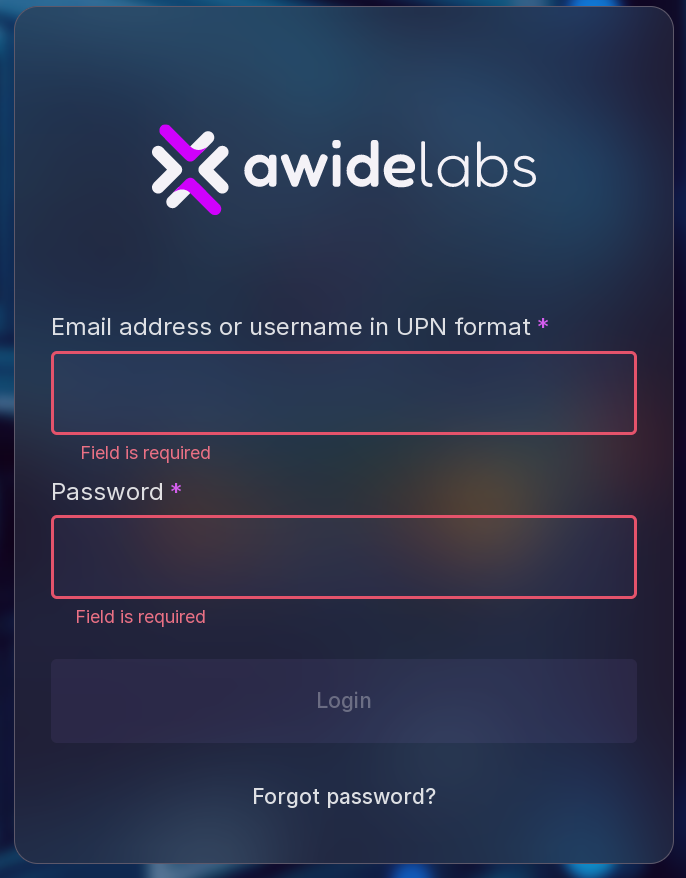
Type in the email address provided during the installation to the personnel responsible for installing Platform, in the text field “Email” (“Email address”).
Type in the initial password received from the personnel responsible for installing Platform in the text field “Password”. This password needs to be changed after the first connection.
Click “Login” (“Connect”). “New password” window will appear:
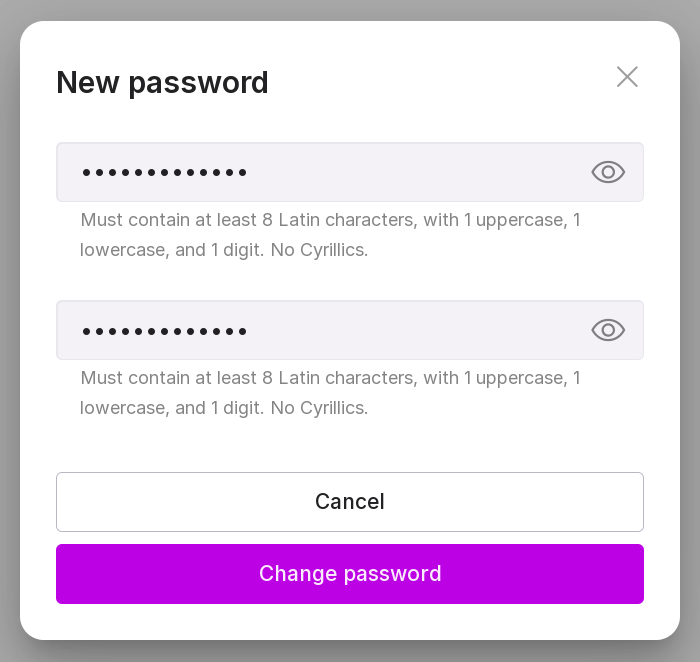
Enter a new password in the text field. The new user password shall comply with the following requirements:
The password must consist of at least 8 characters. The password must consist of Latin letters (A-z) and Arabic numerals (0-9). The alphabetical part of the password must contain both lowercase and uppercase letters. * the password should not contain simple combinations, commonly known abbreviations, or consecutive characters. If the requirements are not met, an error will appear when saving the password.
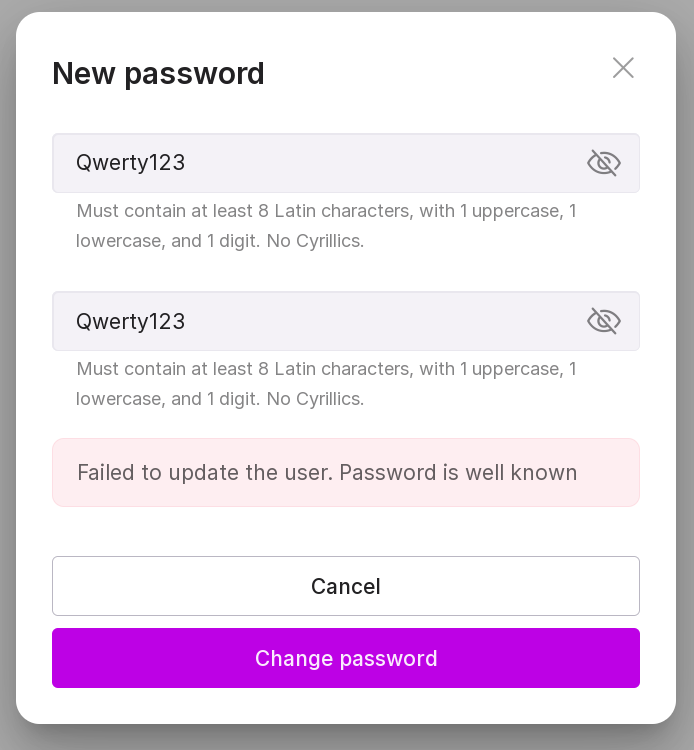
Confirm the new password in the text field (digit 2 in the figure above).
Click “Change password”. Password will be changed and you will automatically logout from Platform. The connection window to Platform will appear.
Type in your email address in the “Email” field.
Type in a new password in the text field “Password” (“Password”).
Click “Login” (“Connect”).