Adding a new user
To add a new user:
On the page user management, click “Add User”. A window will open for entering the new user’s data:
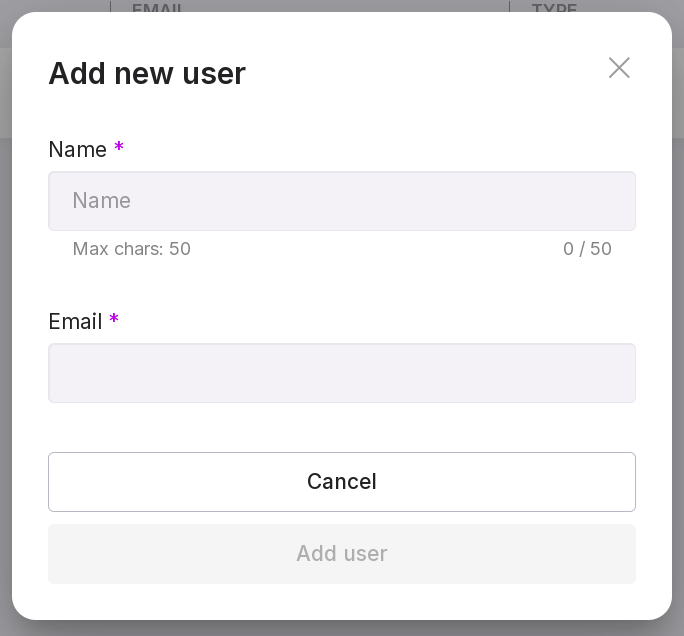
Specify the username. The username must contain at least 2 characters.
Provide an email address. An email will be sent to the specified address with a password for logging into Platform. Messages with warnings will also be sent to this address.
After filling in all the fields, click “Add User”. As a result, the new user’s account will be added to Platform system. A line containing the new user data will appear on the user management page.
Note
If you specify a non-existent email address or incorrectly specify the SMTP mail server address for forwarding messages when adding a new user, a corresponding warning will be displayed.