The “Agents” tab
The “Agents” tab monitors the state of Agents and their versions.
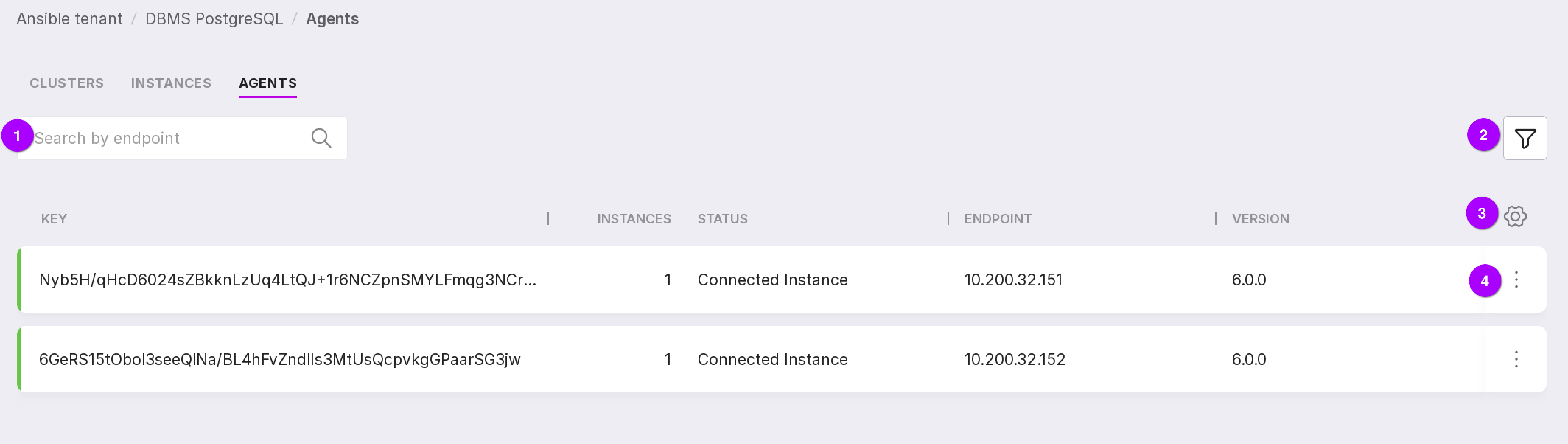
The tab is a table that includes the following fields:
“Key” — the unique key of Agent for connecting to Platform;
“Instances” — the number of instances that Agent monitors;
“Status” — the status of Agent;
“Endpoint” — the host of the monitored database;
“Version” — the version of Agent.
Let’s review the information on the page as numbered in the figure above:
Using the search bar, Agents can be searched by their endpoint.
Agents can be filtered by state — it corresponds to the color indication of Agents:
Available — green color;
Not available — red color.
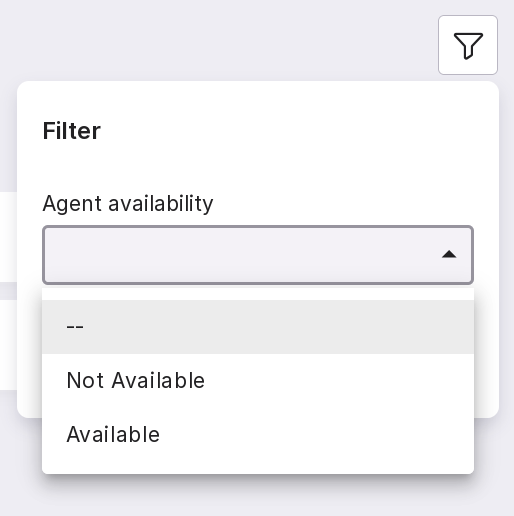
Table configuration button. With its help, you can customize the appearance of the table yourself.
The Agent menu has the following options:
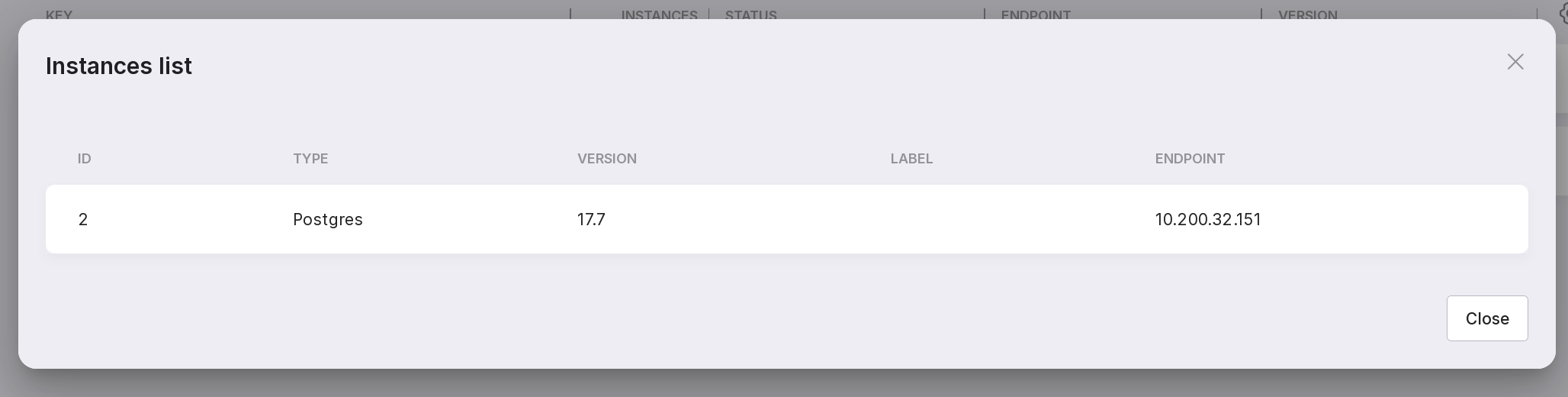
Instances list — opens a modal window with a list of instances that this Agent monitors.
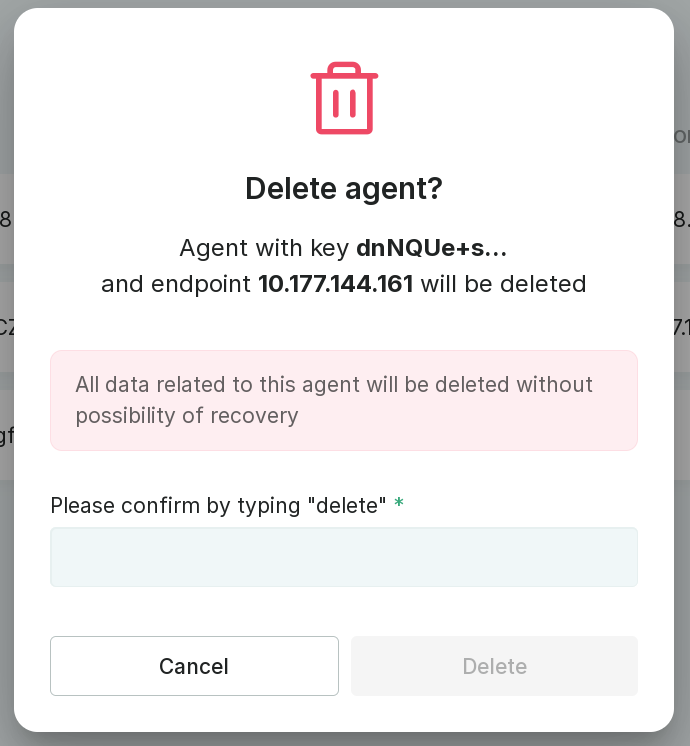
Delete Agent — opens a modal window for deleting Agent. To delete Agent, type “delete” in the text field and click “Delete”.
Important
Agent can only be deleted if it has no instances.
If Agent is not the latest version, there will be a third option in the menu — instructions for updating. Selecting this option will open a modal window with instructions for updating Agent. Information on Agent update can be found on Agent Update page.