Topology
The “Topology” page displays a diagram that visualizes the cluster’s structure, including nodes, their roles, and interconnections.
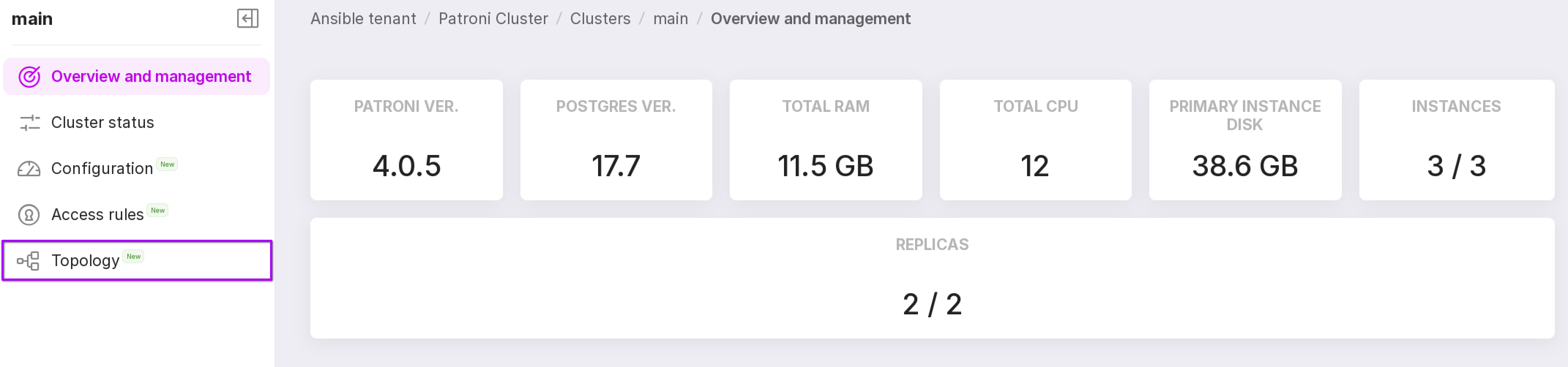
To access this page, go to the “Clusters” tab of your namespace, click the row corresponding to the required cluster, and then select “Topology” from the left-hand menu on the cluster details page.
You can change the diagram’s output orientation and arrow types.
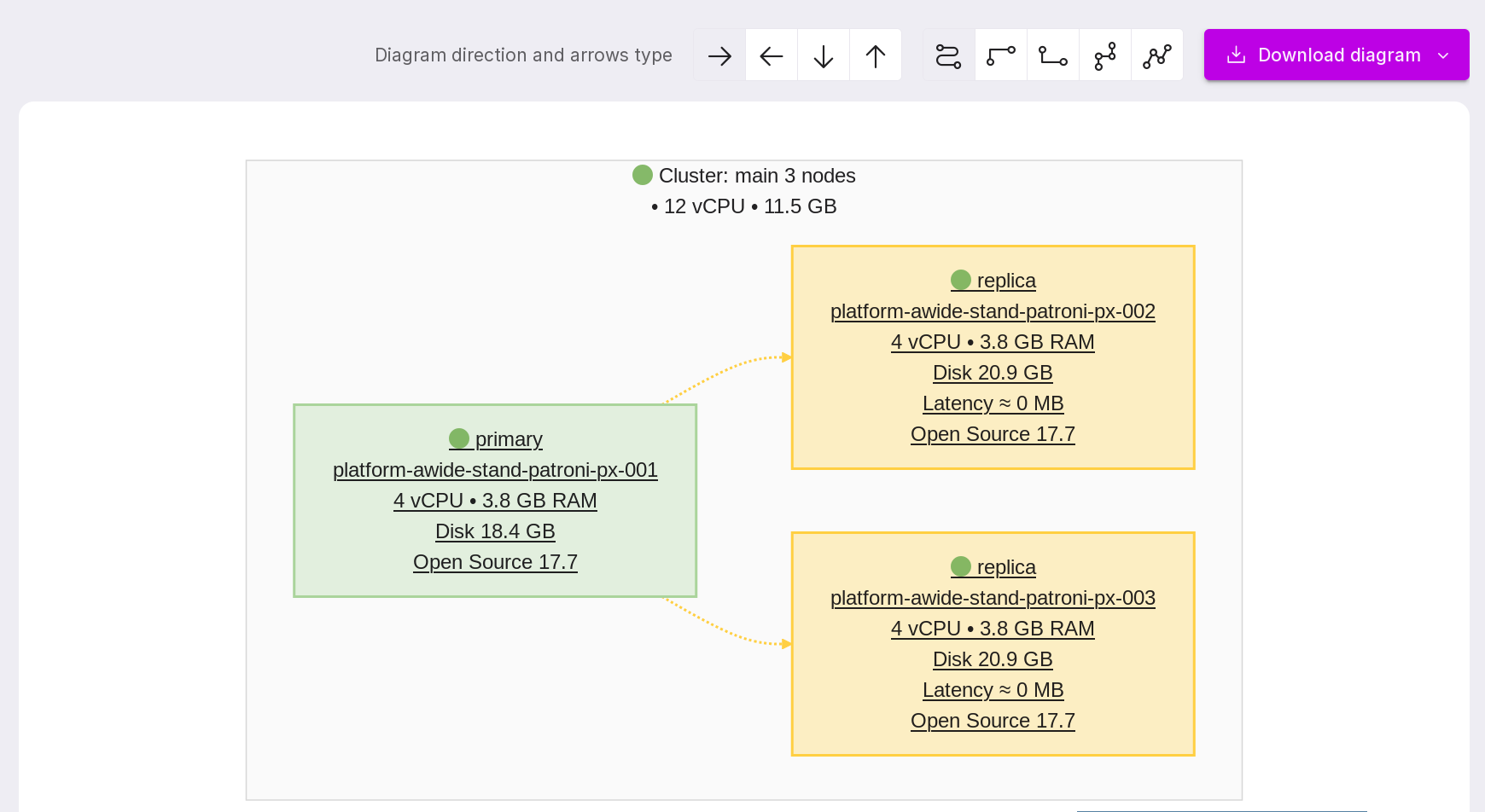
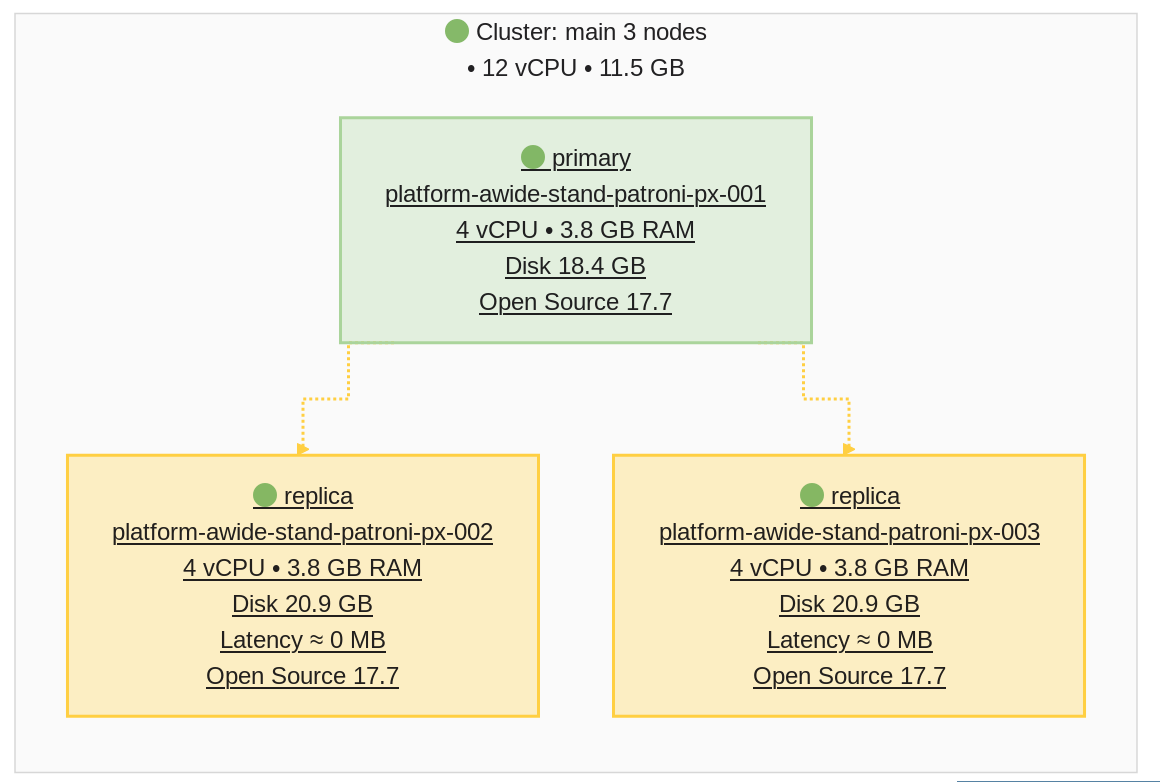
To navigate to an instance’s “Overview” page, simply click on its node in the diagram.
To save the diagram in SVG format, click the “Download Diagram” button.