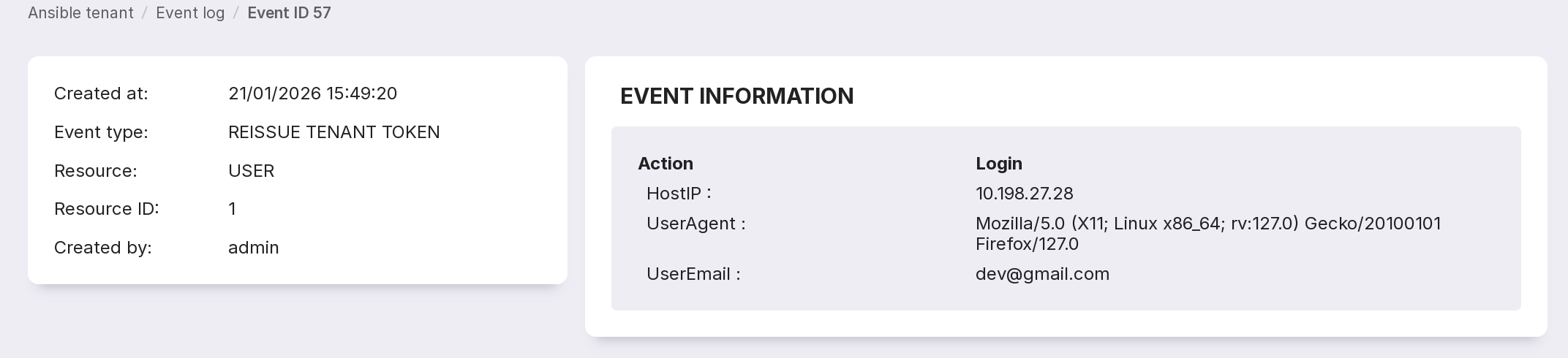
Event Log
This page displays a list of events and information on them.
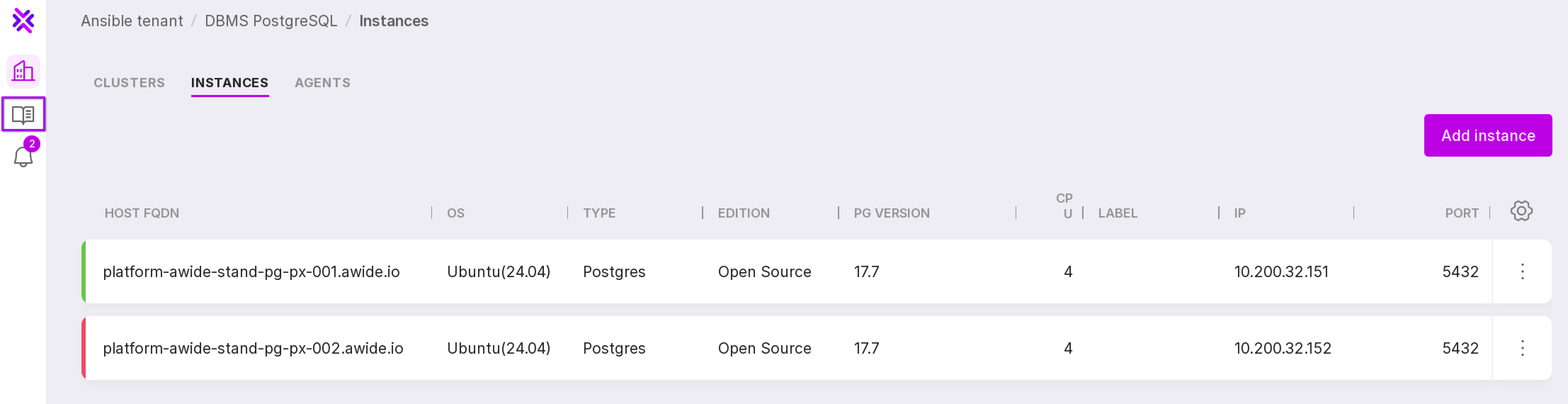
To go to the ‘Event Log’, click ‘Event Log’ button on the left panel.
Let’s review the information on the page.
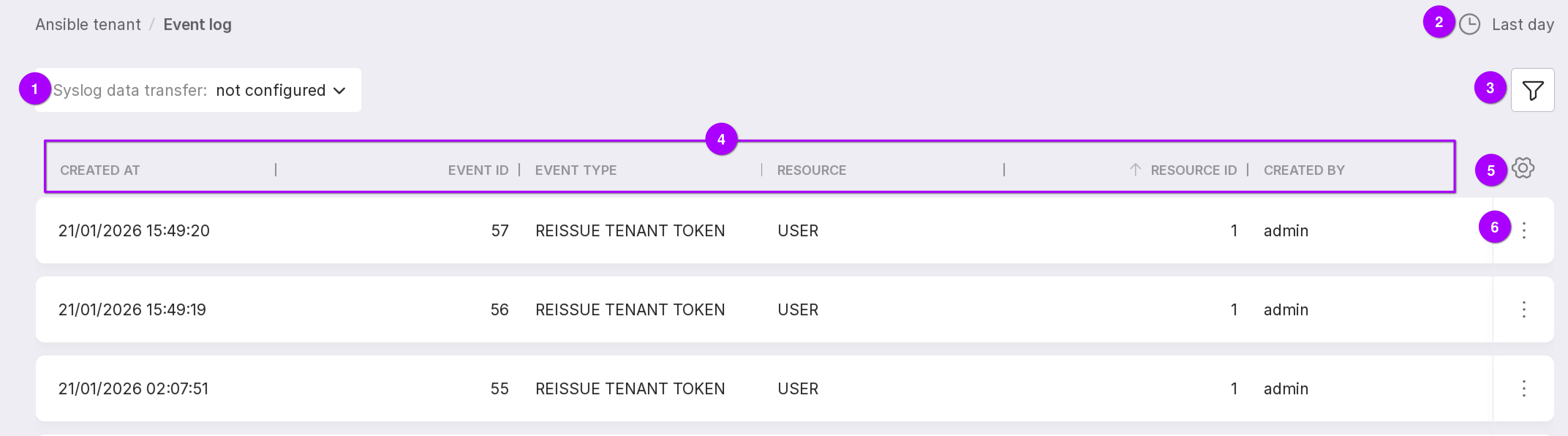
Setting data transmission to syslog.
The period for which data is displayed — last day or last 7 days.
Events can be filtered by the following parameters:
Event type,
Resource,
Event ID.
General information on events.
Table configuration button. Using it, you can customize the appearance of the table yourself.
Event menu, which can be used to open more detailed information: HostIP, UserAgent, and UserEmail.