Platform Update
When upgrading Platform, all instances, the license file, and other data will be preserved.
Important
Before starting the upgrade procedure, it is recommended to back up the directories.
Initial state before the update
Before the update, ensure that the following conditions are met:
Platform version 5.3 or higher is installed;
a license is installed;
agents are working correctly.
The installed version of Platform is displayed in the login window under the Login button:
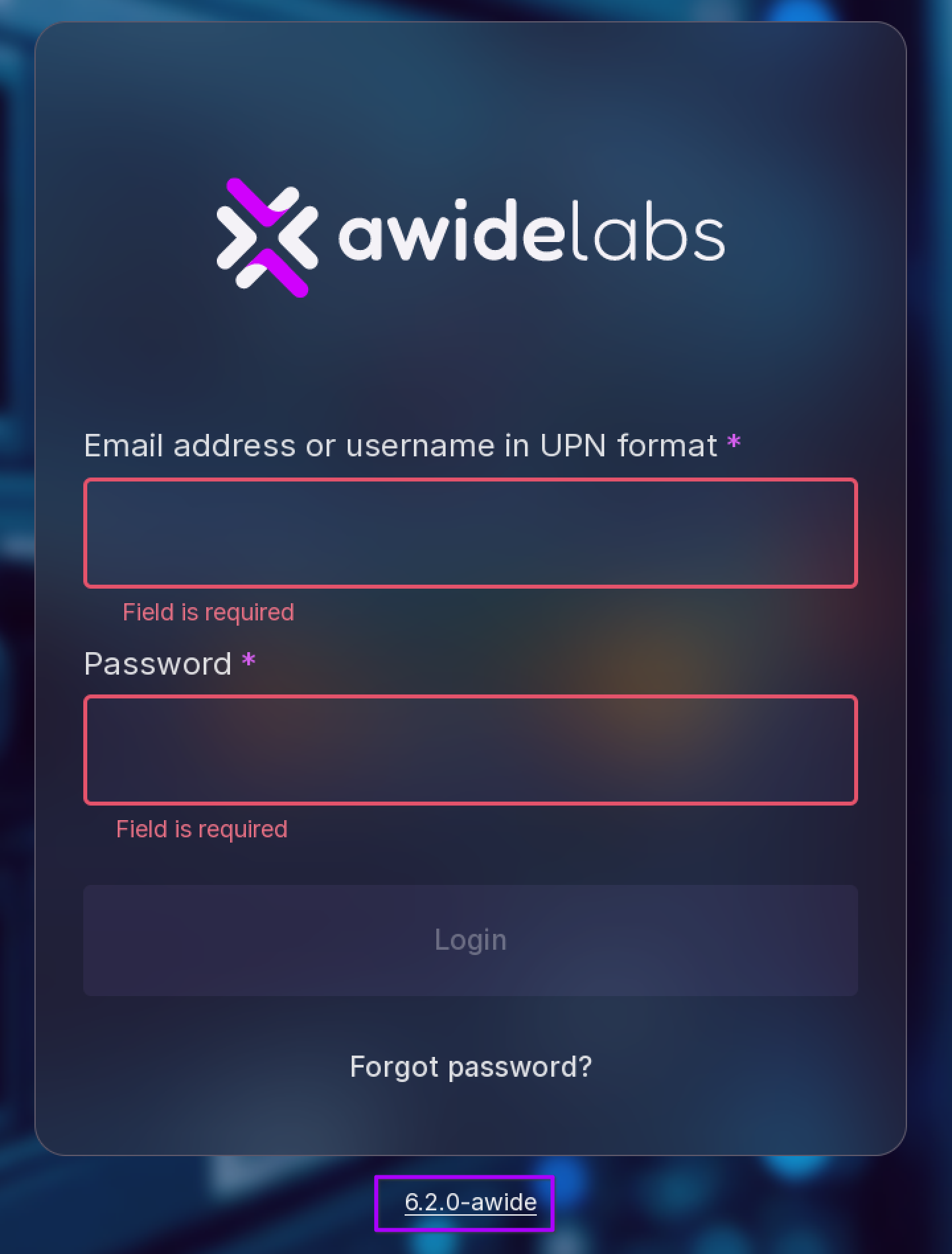
Update
This section contains a description of the procedure for upgrading Platform version using the official distribution.
To upgrade Platform, follow these steps:
Go to the directory that stores Platform distribution.
Unpack the distribution using the following command:
tar xvf awide-eco-6.2.0.tar.gz
Start the upgrade procedure using the following command:
sudo ./installer
The program will start upgrading. The result of the Docker version check will be displayed in the console:
Writing diagnostic information into the file  [/home/user/212/awide_eco_installation.log]
- Welcome to |project| installer.

- Checking |project| dependencies...
-       docker installed...                           [Yes]
-       docker installed required version...           [Yes]
-       docker started...                            [Yes]
Note
Upgrade Docker if you receive an error message:
Writing diagnostic information into the file  [/tmp/awide_eco_installation.log]
- Welcome to Awide installer.

- Checking Awide dependencies...
-       docker installed...                                               [Yes]
-       docker installed required version...                               [No]
- You have version 20.10.1+dfsg1 installed and you need at least 20.10.2
-       docker started...                                                [Yes]
- Execution error. Awide required dependencies are not found.
Before continuing with Platform update, install the new version of Docker.
Next, the upgrade program will request permission to continue the update, enter Y:
- Do you want to upgrade Awide? (Y/N): y
Next, the program will display the states of the upgrade execution:
- Awide upgrading

- Awide will be stopped...                                           [Yes]
- Upgrading...                                                                                  [Yes]
- Start Awide...                                                            [Yes]
- Check connection to Awide...                                   [Yes]
If successfull, a message on the successful installation of the new version of Platform will be displayed in the console.
- Upgrading complete!
- Old version: 5.3.0
- New version: 6.2.0
Go to Platform login page — the new version will be displayed under the login window.