Cluster config page
The Cluster Config page allows you to define unified settings for all instances of the cluster at once.
To access this page, perform one of the following actions:
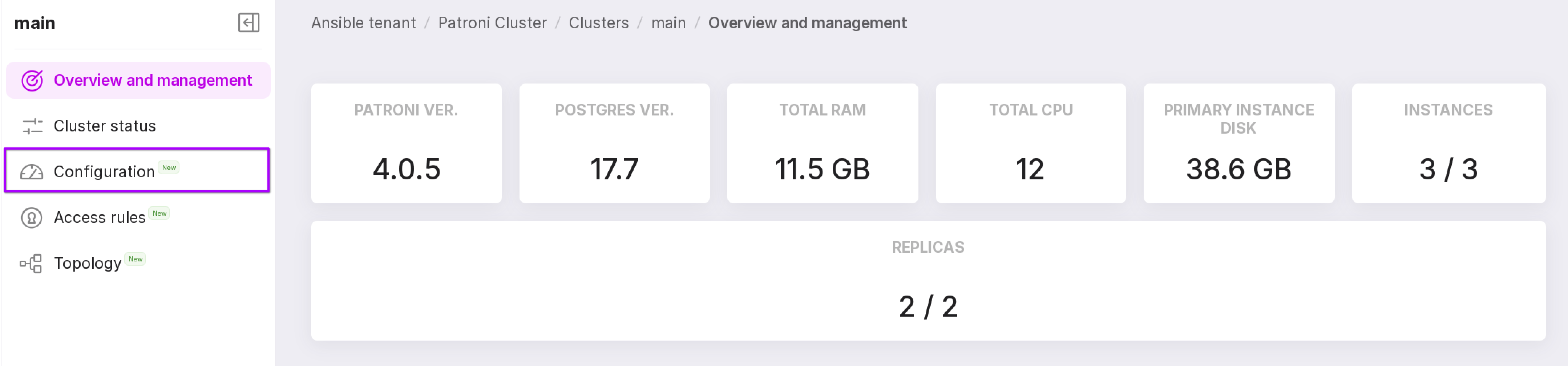
Go to the “Clusters” tab in the namespace and click on the row of the required cluster. On the opened page, click “Configuration” in the left menu.
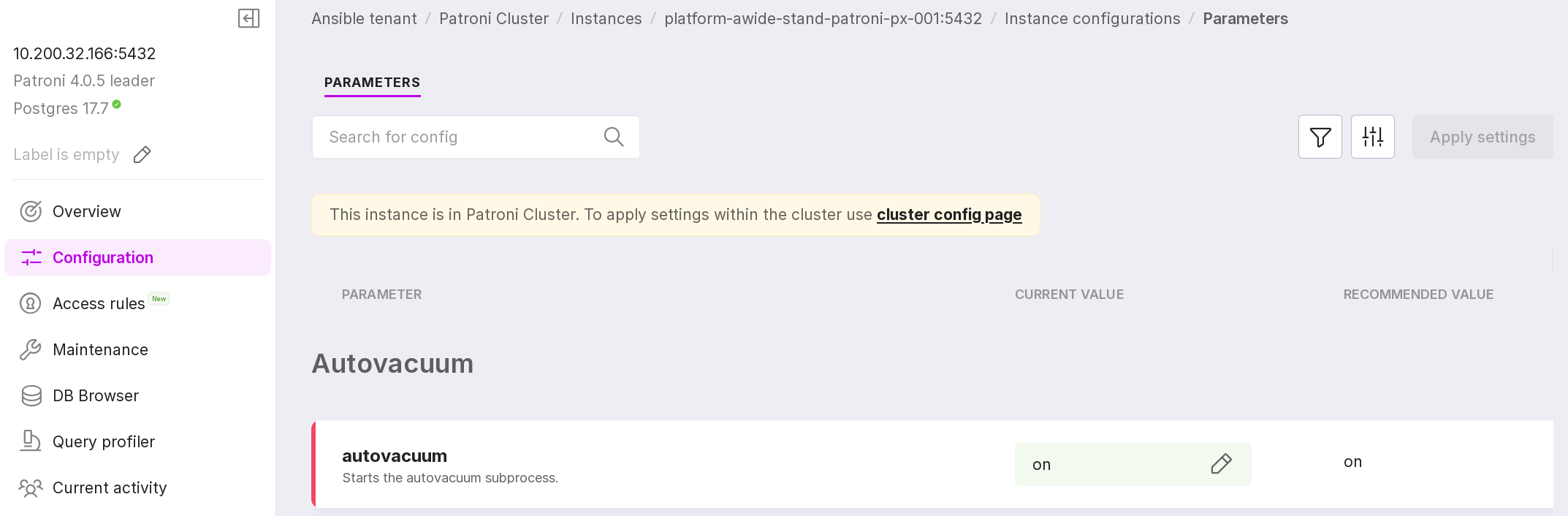
Go to the “Configuration” tab of the cluster instance from the side menu. At the top of the opened page, follow the link “cluster config page.”
You can read more at link.