Group page
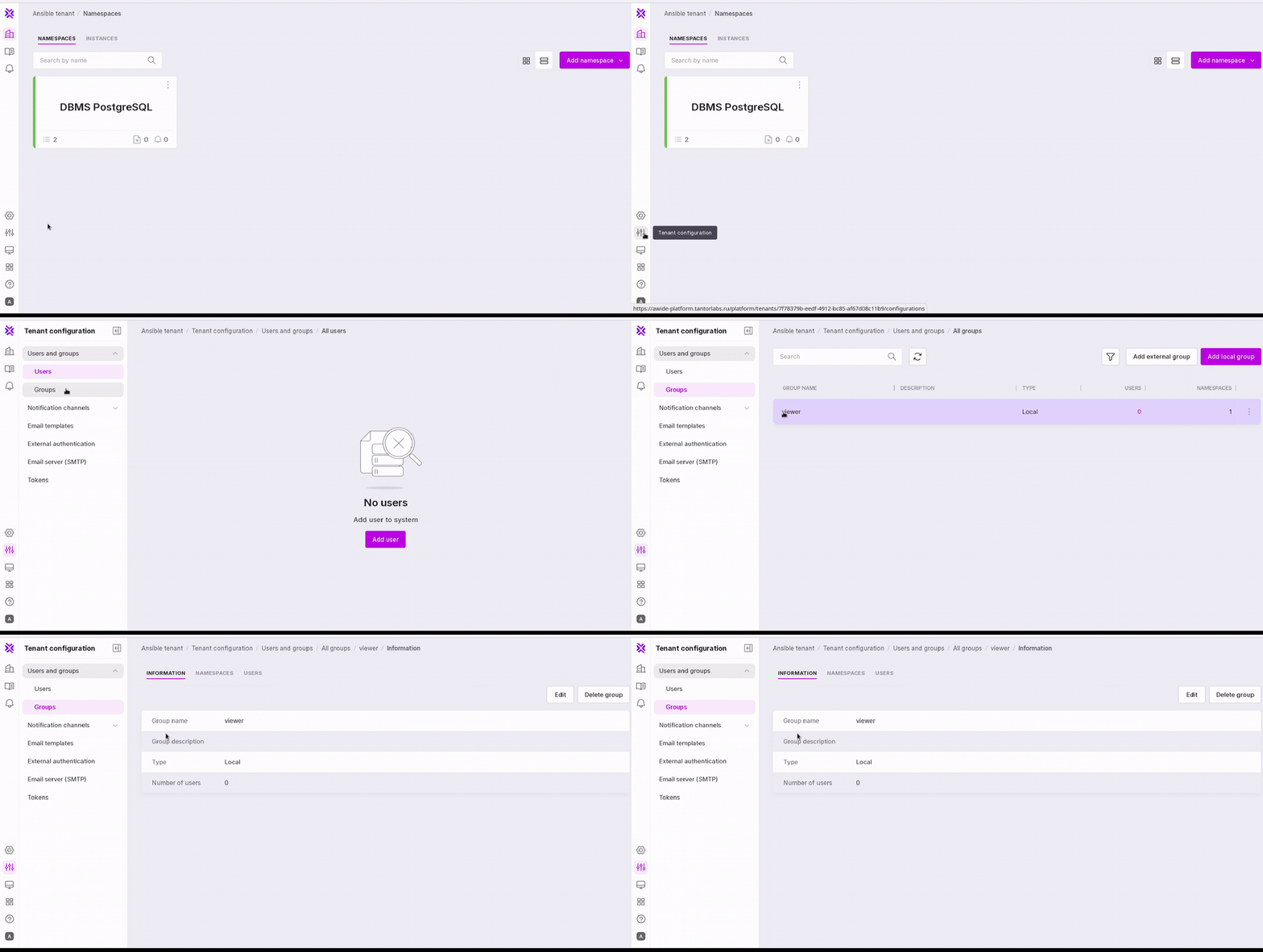
To go to the group page in the left panel select Tenant Configuration→Groups and click on the the required group.
Information Tab
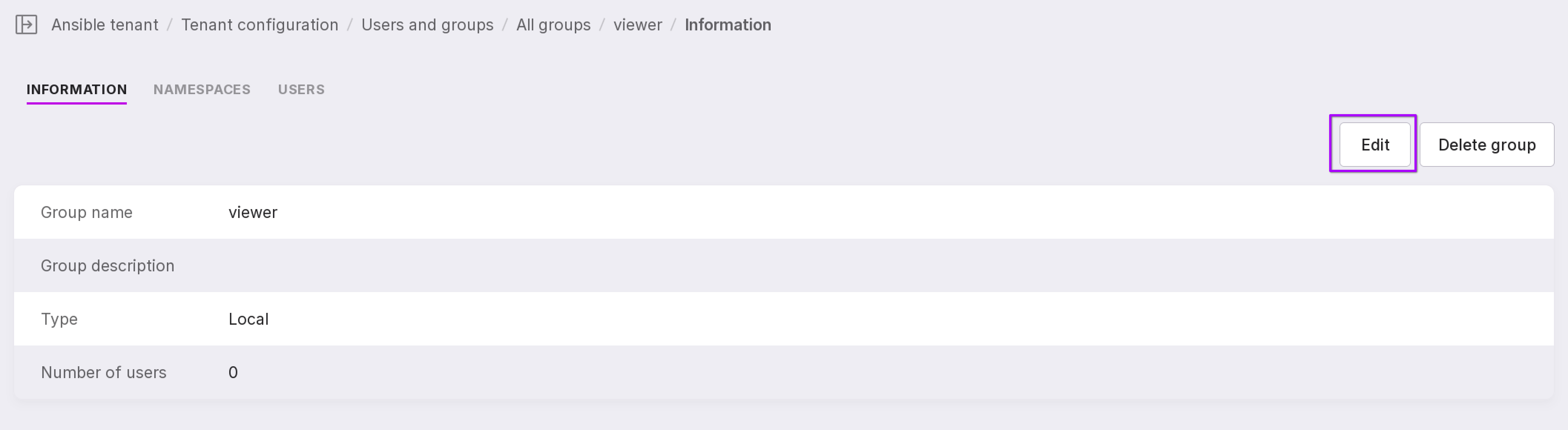
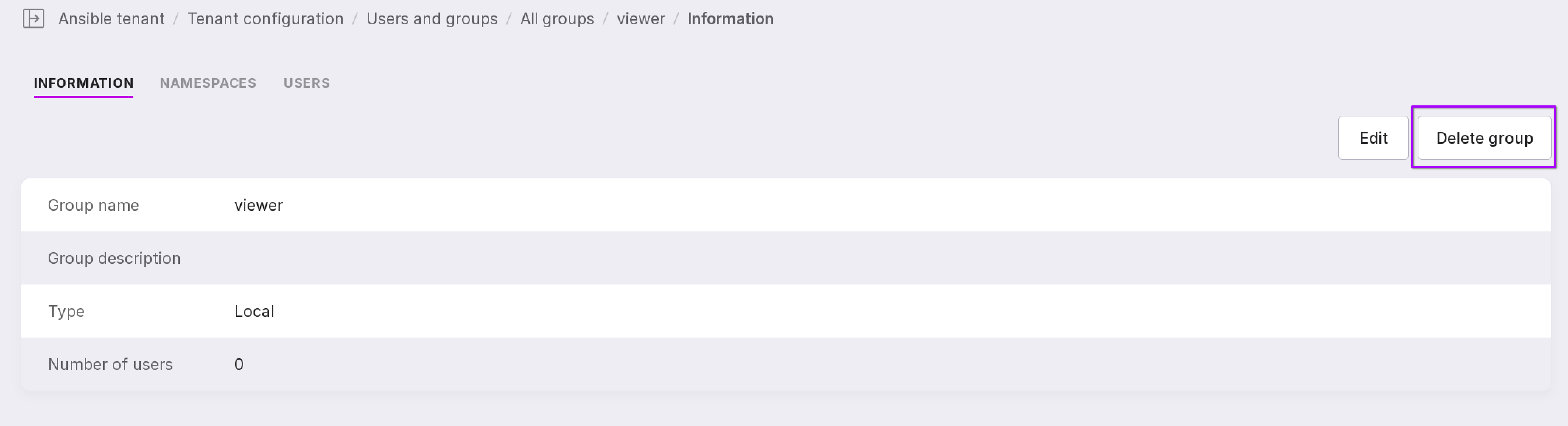
The key information on the user is displayed in this tab. You can also manage the group settings here.
Editing the group
To edit group data, click “Edit”.
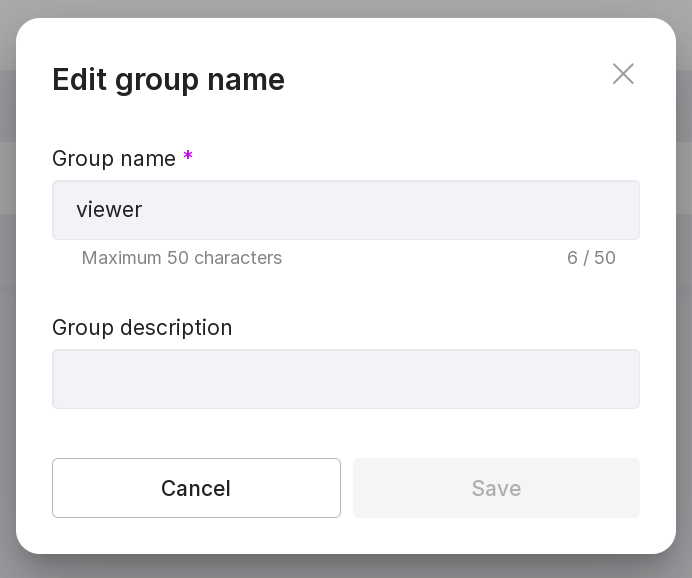
In the modal window, edit the name and description of the group and press “Save”.
Deleting the group
To delete the group, click ‘Delete Group’.
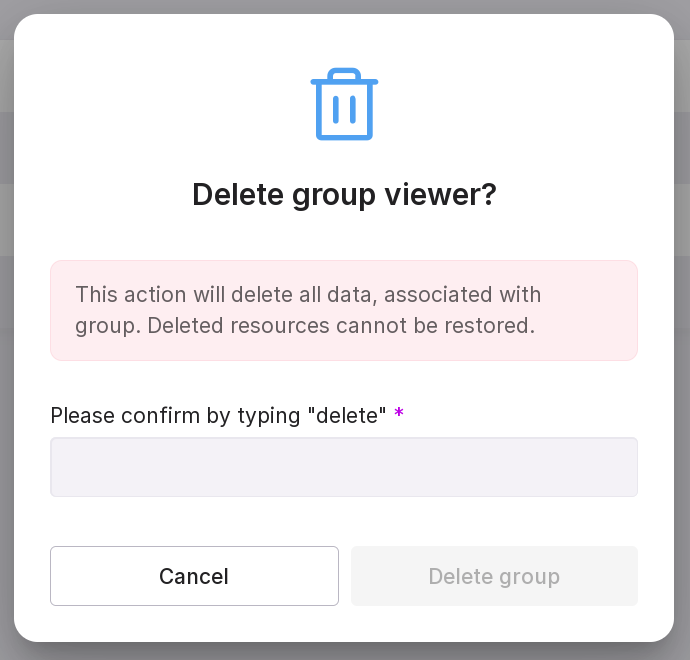
In the modal window, type in “delete” and click “Delete Group”.
“Namespaces” tab
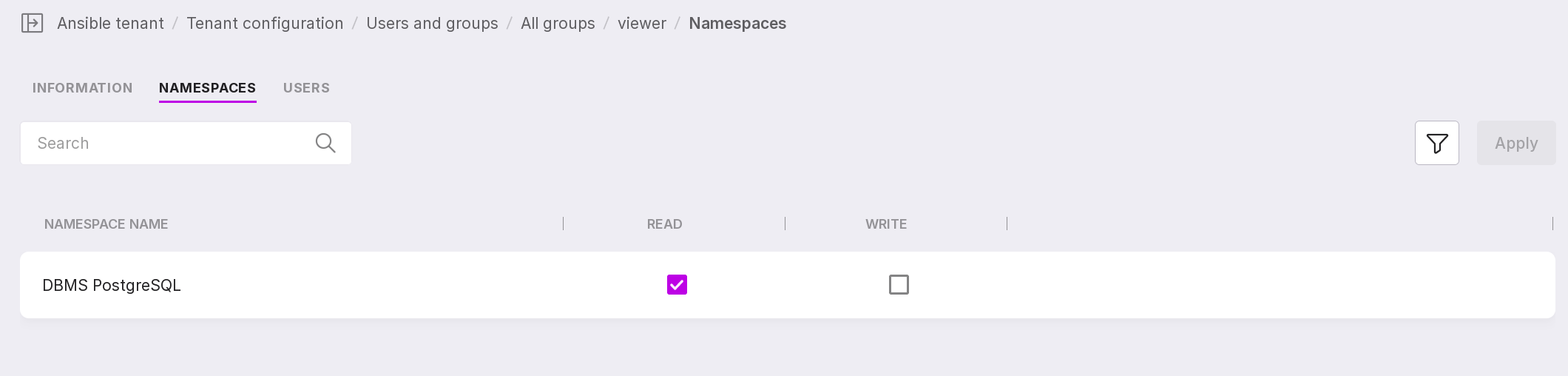
All namespaces of the tenant are displayed on this tab.
Check “View” and “Edit” boxes for those namespaces to which group users will get access.
Namespaces can be filtered by privileges: all rights granted, viewing rights granted, or no rights granted.
“Users” tab
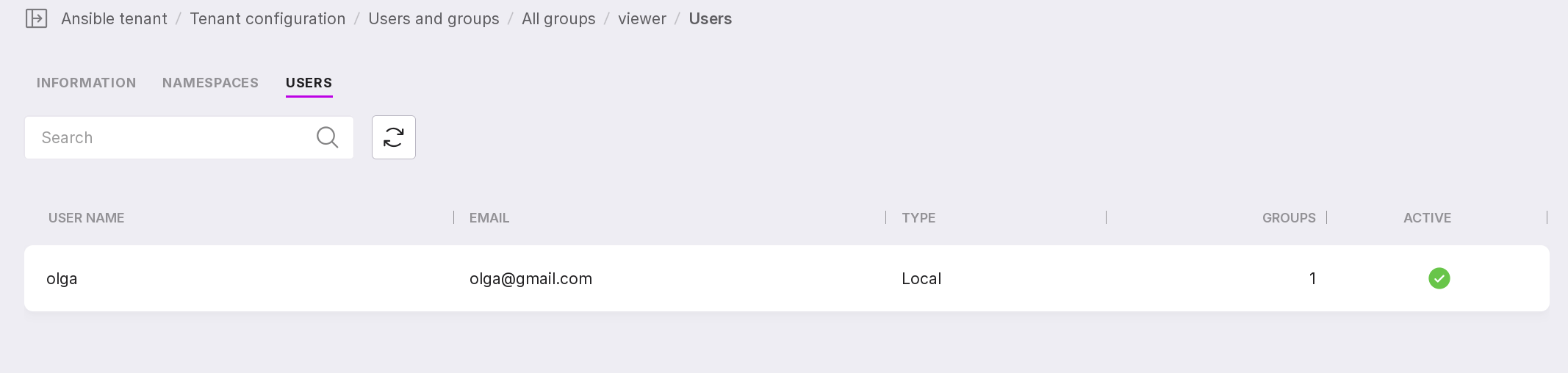
All group users and information on them are displayed on this tab.