System Owners
On this page, you can manage users with the “System Owner” role.
To open the “System Owners” page, select “System Settings” from the left menu on the tenant list page.
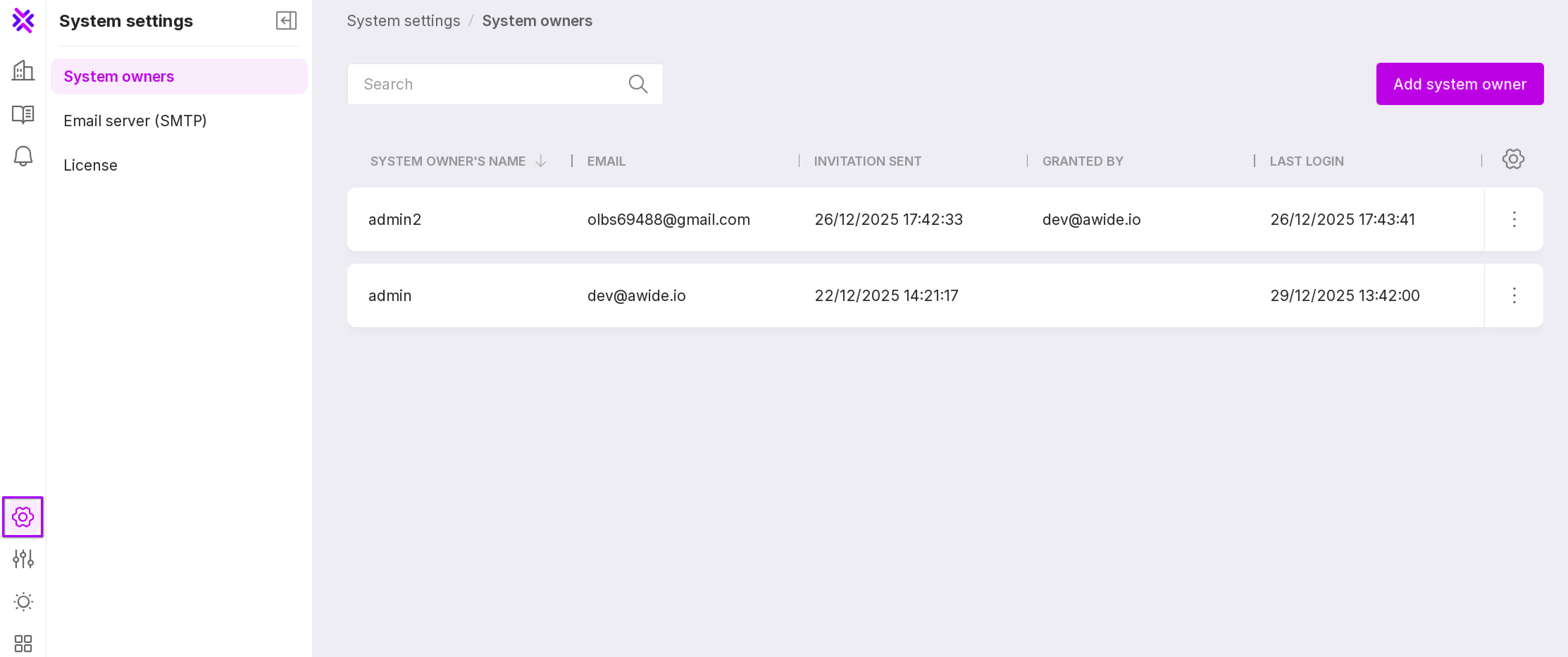
Let’s review the information on the page:
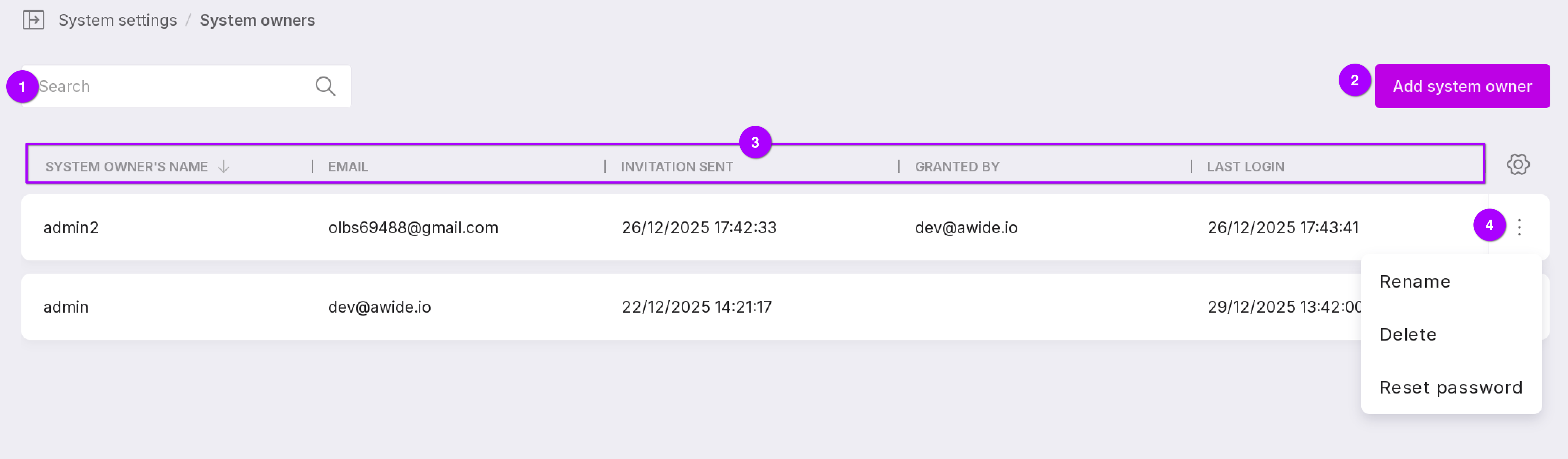
We have a search bar that allows to search for users by name or email. A button to add a new user with “System Owner” rights. User information:
username;
user email;
date and time when the invintation email was sent;
username of the person who granted the rights;
date and time of the last login to Platform.
User menu with the following options:
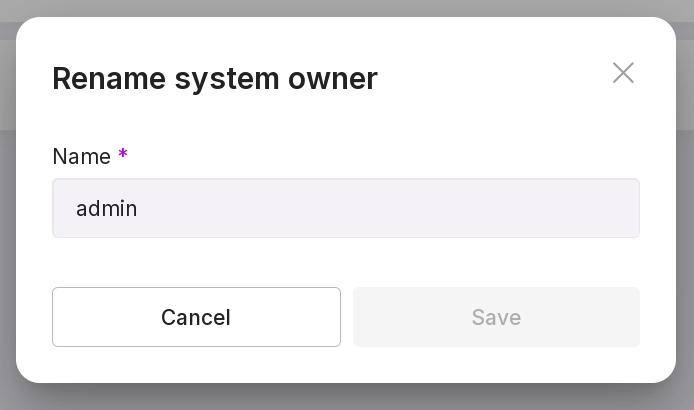
“Rename” — allows you to change the username. In the opened modal window, edit the name and click «Save».
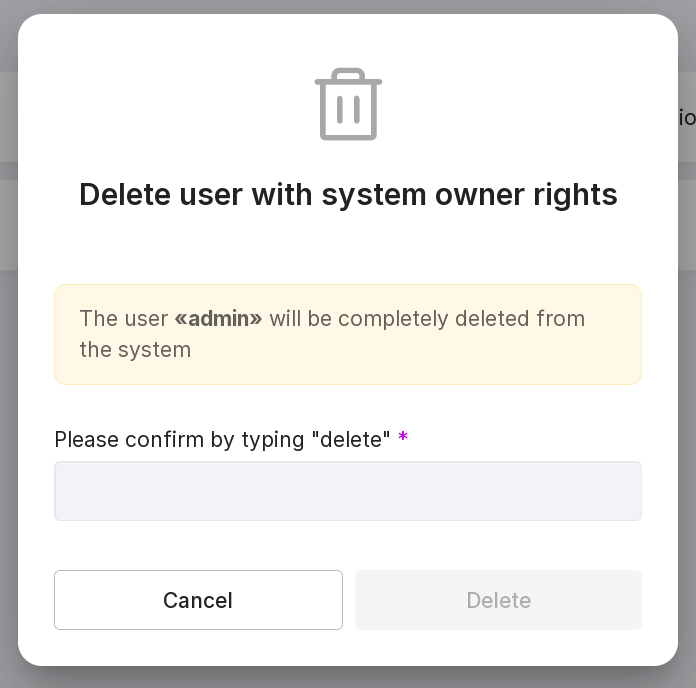
“Delete”— allows you to revoke “System Owner” rights. In the opened modal window, enter “delete” and click “Delete”.
“Reset” — allows you to change the user’s password for logging into Platform.
Adding a user
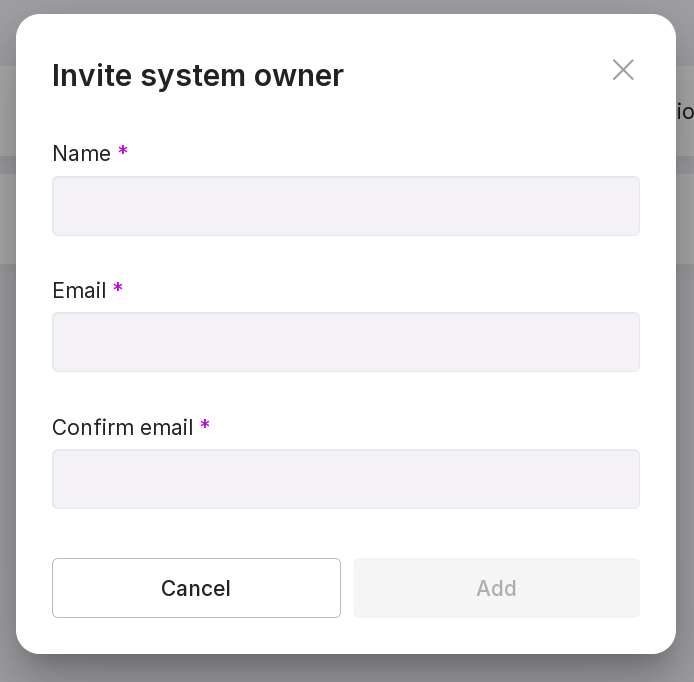
To add a new user with the “System Owner” role, click “Add System Owner”. In the opened modal window, enter the username and their email, confirm the email, and click “Add”. The user will receive a letter at the specified email.