Pages /DB and “Table Statistics”
The purpose is to display a snapshot of statistics on tables.
Page /DB
To get to the page
The transition to the page is carried out in
pg_m_page_control_panel_burger-menu, the “Table statistics” link;
via the
 (see Table statistics snapshots).
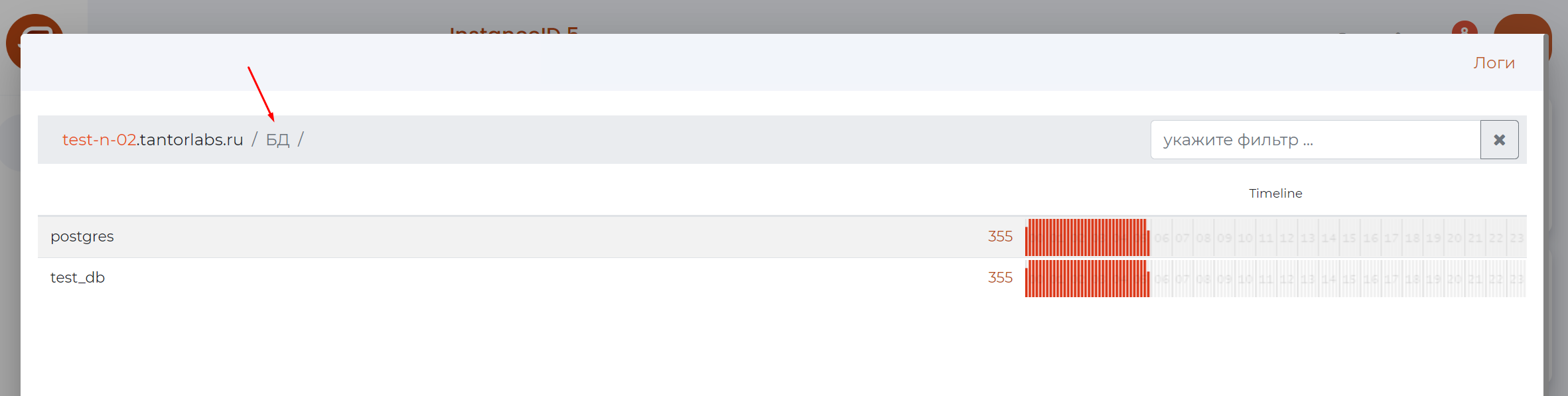
Page Control Panel
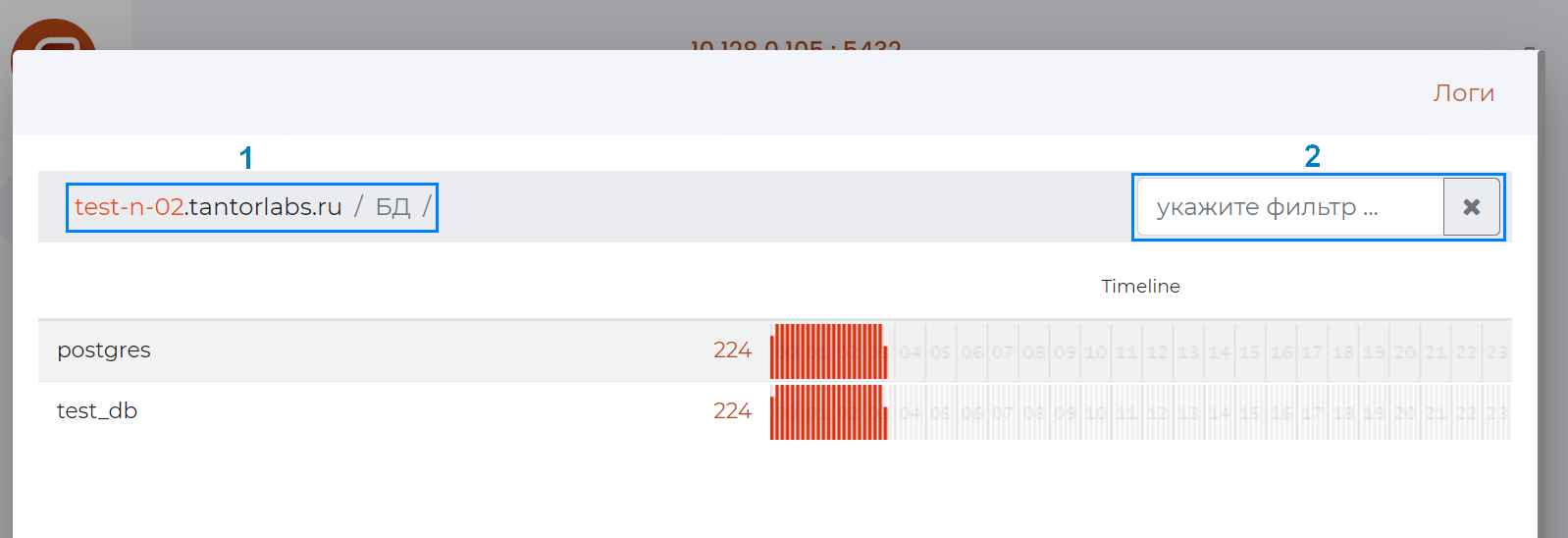
Panel composition (as numbered in the figure above):
pg_m_page_control_panel_path;
pg_m_page_control_panel_filter.
Table statistics page
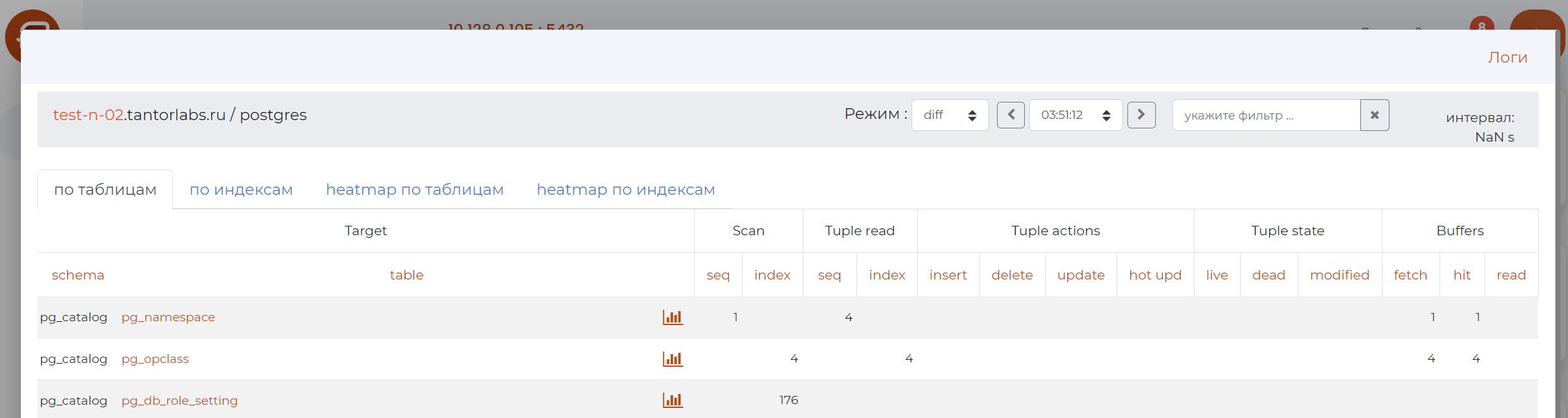
Page Control Panel
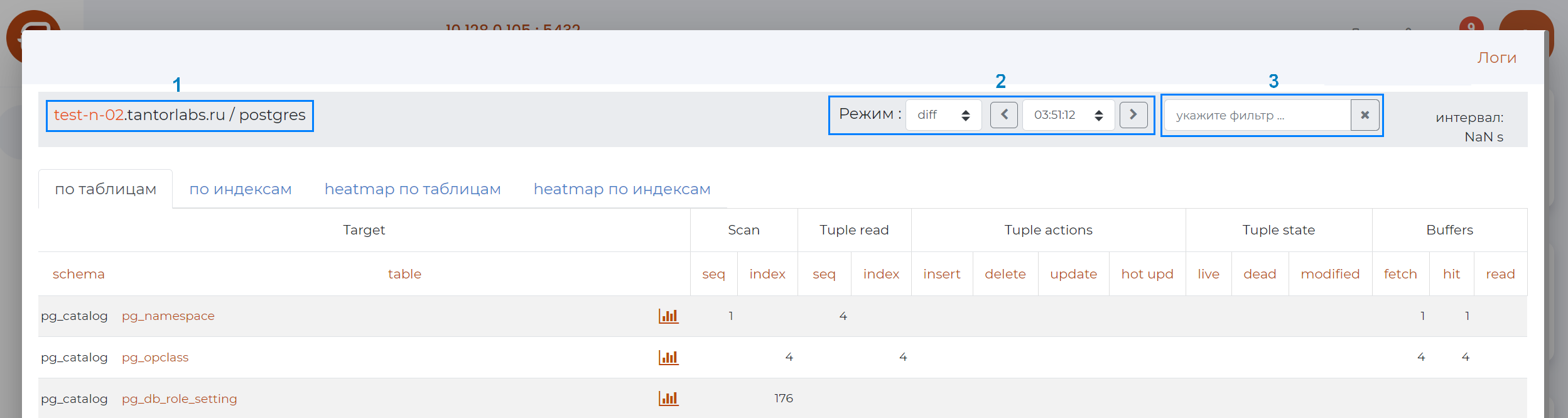
Panel composition (as numbered in the figure above):
pg_m_page_control_panel_path;
pg_m_page_control_panel_mode2 (only for the “By tables” and “By Indices”;
pg_m_page_control_panel_filter.
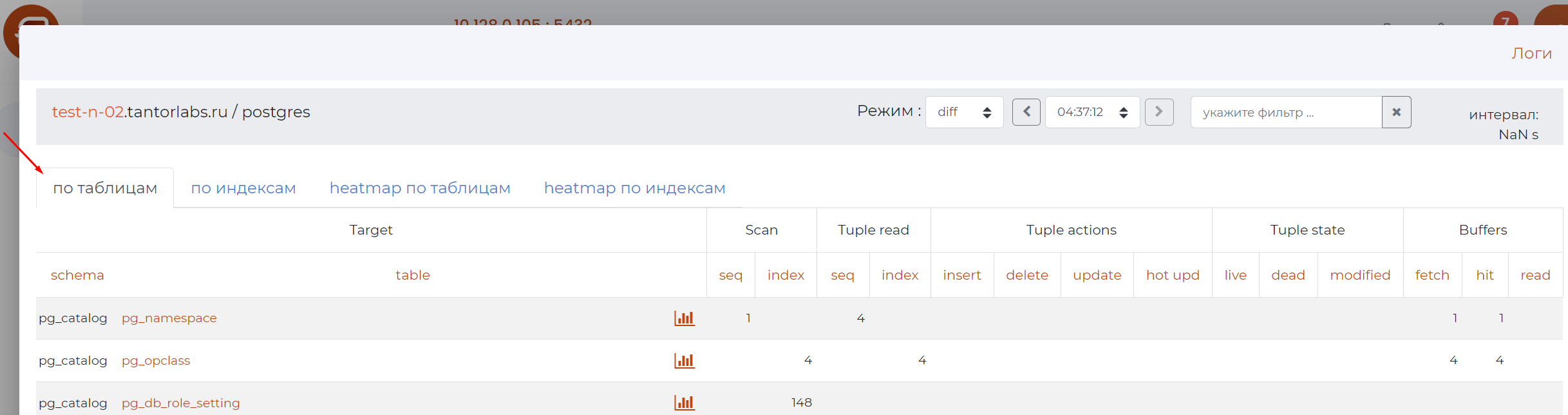
Tab: By Tables
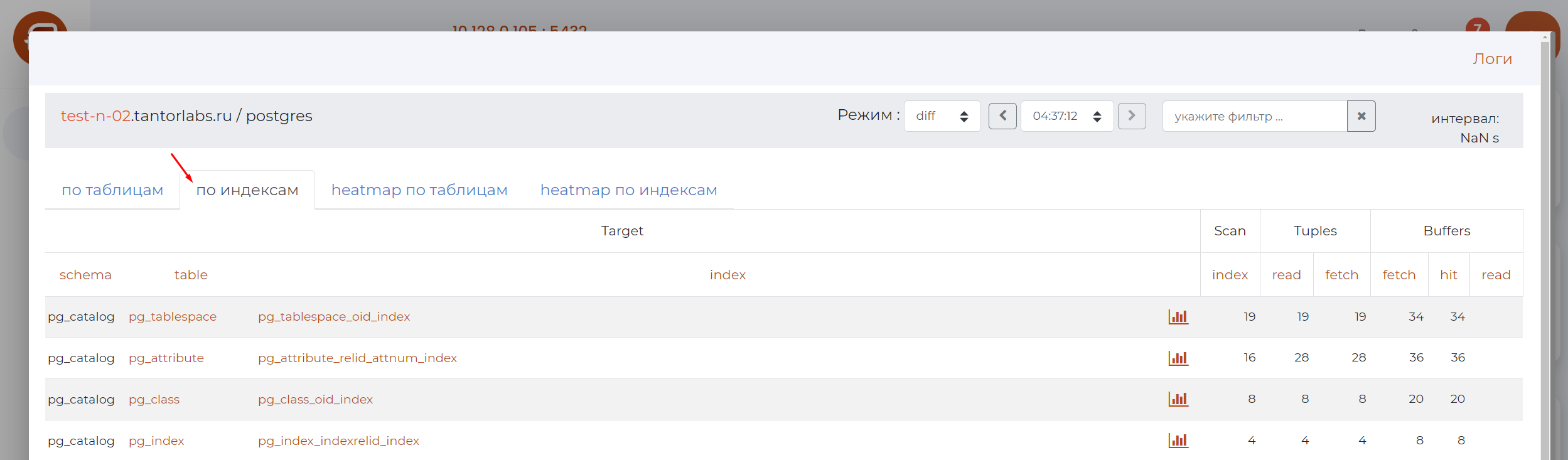
“By indexes” tab
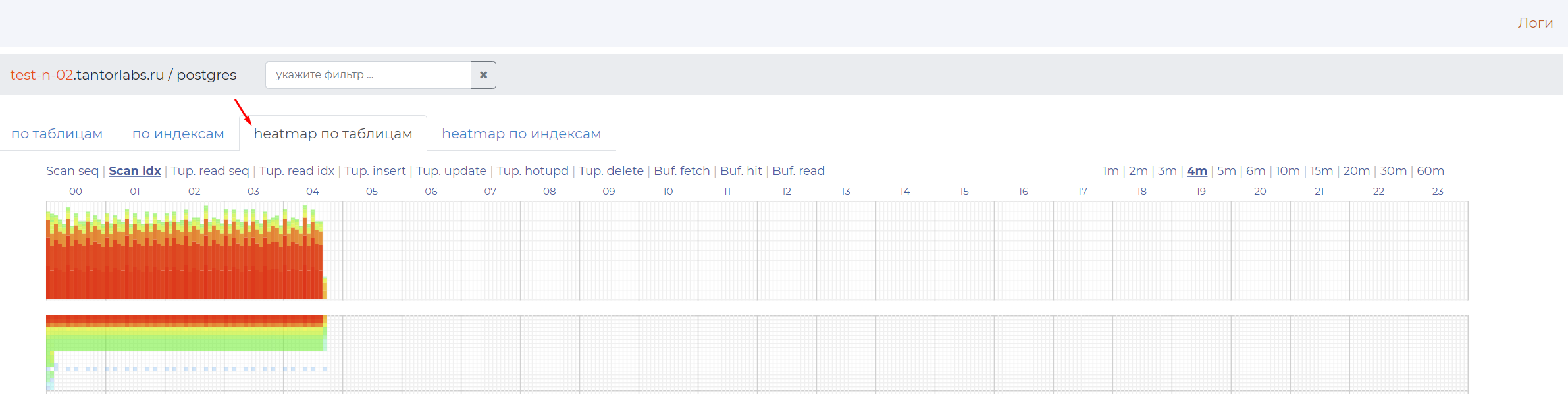
The “heatmap by tables” tab
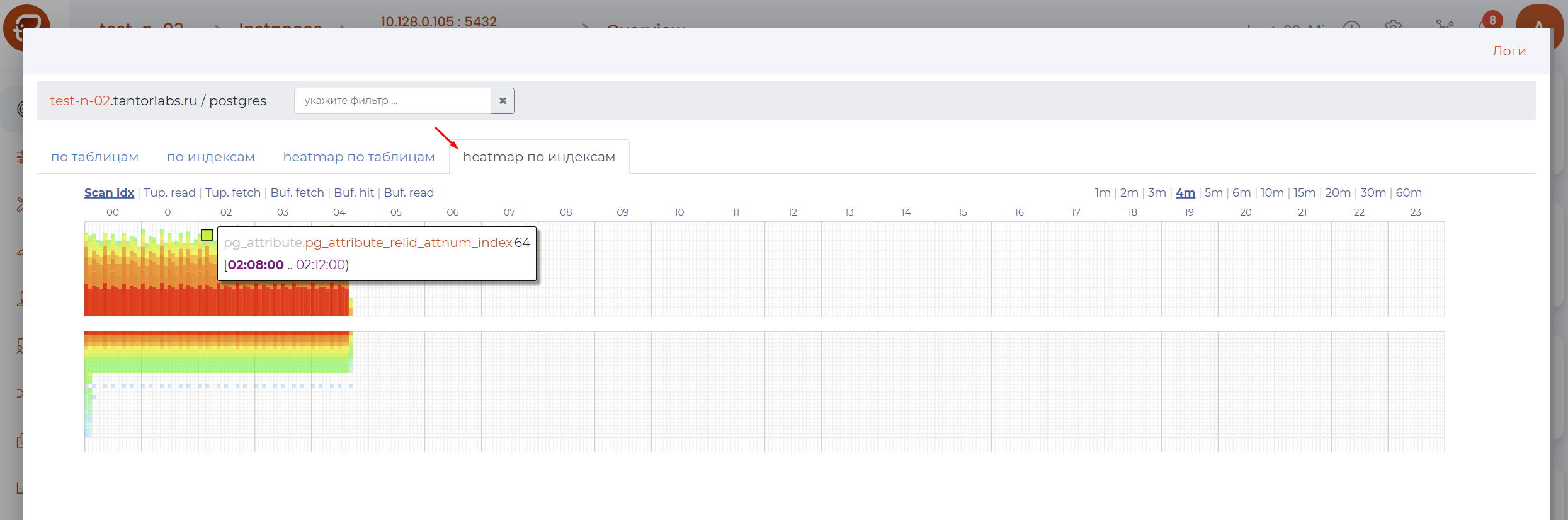
Index heatmap tab